People
Last updated: July 2026
folo doesn’t just recognize that different people are speaking — it learns who they are. Name a voice once, and folo recognizes that person in every future meeting. The voice database is local; folo sends no voice profiles to the selected cloud backends or webhooks.
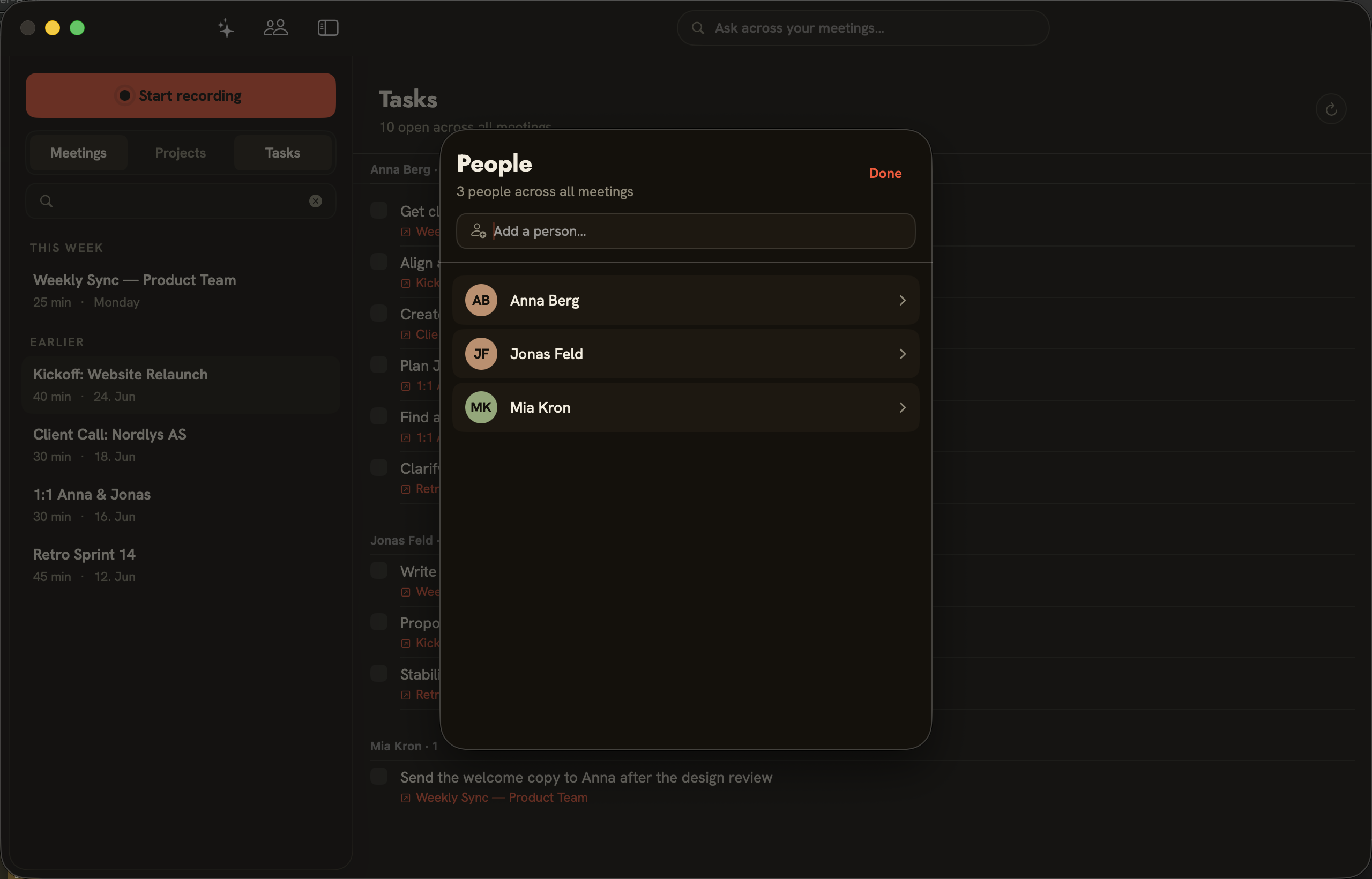
The people overview
The people icon at the top of the window opens the “People” overview (“N people across all meetings”). Each person appears with their initials; clicking an entry opens the details. “Add a person…” creates a person. “Done” closes the overview.
Matching voices
In the person details you link a person to their voice in the meeting. “Play this speaker” plays a short clip — which helps with matching. Once linked, the person is recognized in every meeting their voice appears in.
Unlinking a voice
If you unlink a person’s speaker connections, the meeting recordings stay intact — only the learned voice is forgotten. folo learns it again as soon as you reassign the person to a speaker.