Ask AI
Last updated: July 2026
With “Ask AI” you question your meetings in plain language — either a single meeting or your entire history. Answers come with clickable sources that jump to the exact spot in the transcript.
Asking a single meeting
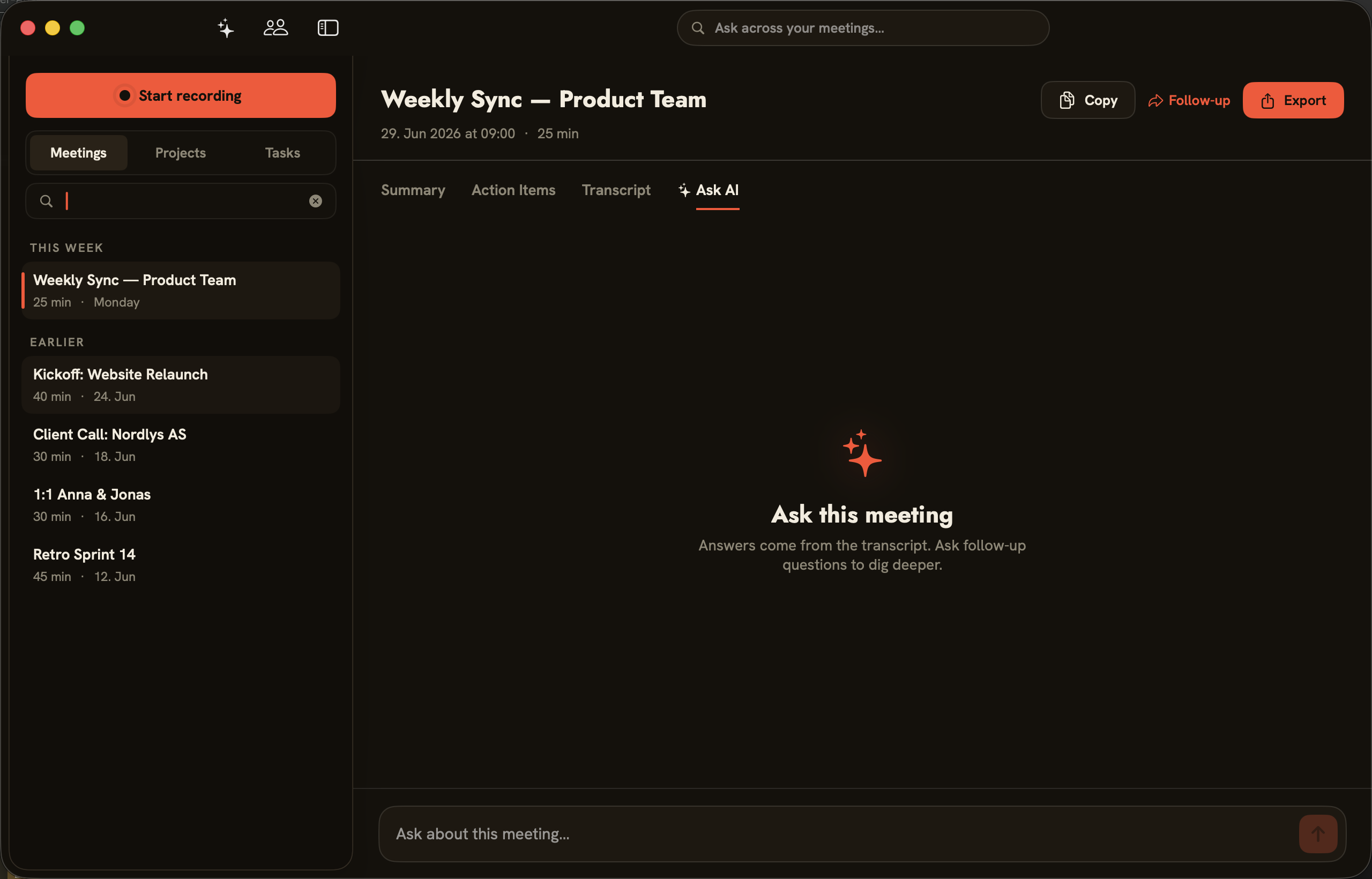
In a meeting’s “Ask AI” tab you ask questions about that exact conversation. The empty state puts it plainly: “Answers come from the transcript. Ask follow-up questions to dig deeper.” Type your question into the “Ask about this meeting…” field.
Asking across every meeting
The search bar at the very top of the window — “Ask across your meetings…” — searches your complete meeting history. It answers questions whose answer is spread across several conversations, and finds again where something was discussed. Here too, the answers point back to the specific meetings.
Backend and license
Ask AI uses the same globally selected backend as summaries (see Summaries & templates): Apple Intelligence, Ollama and Local MLX process locally; Anthropic Cloud and Claude Code send transcript text to Anthropic. Ask AI requires an active license; without one, folo points it out with “Activate a license to use Ask AI…”.