Learning path
Finding & managing meetings
Last updated: July 2026
The more meetings pile up, the more order matters. The sidebar helps you find a particular conversation quickly and bundle your meetings into projects.
Searching and browsing
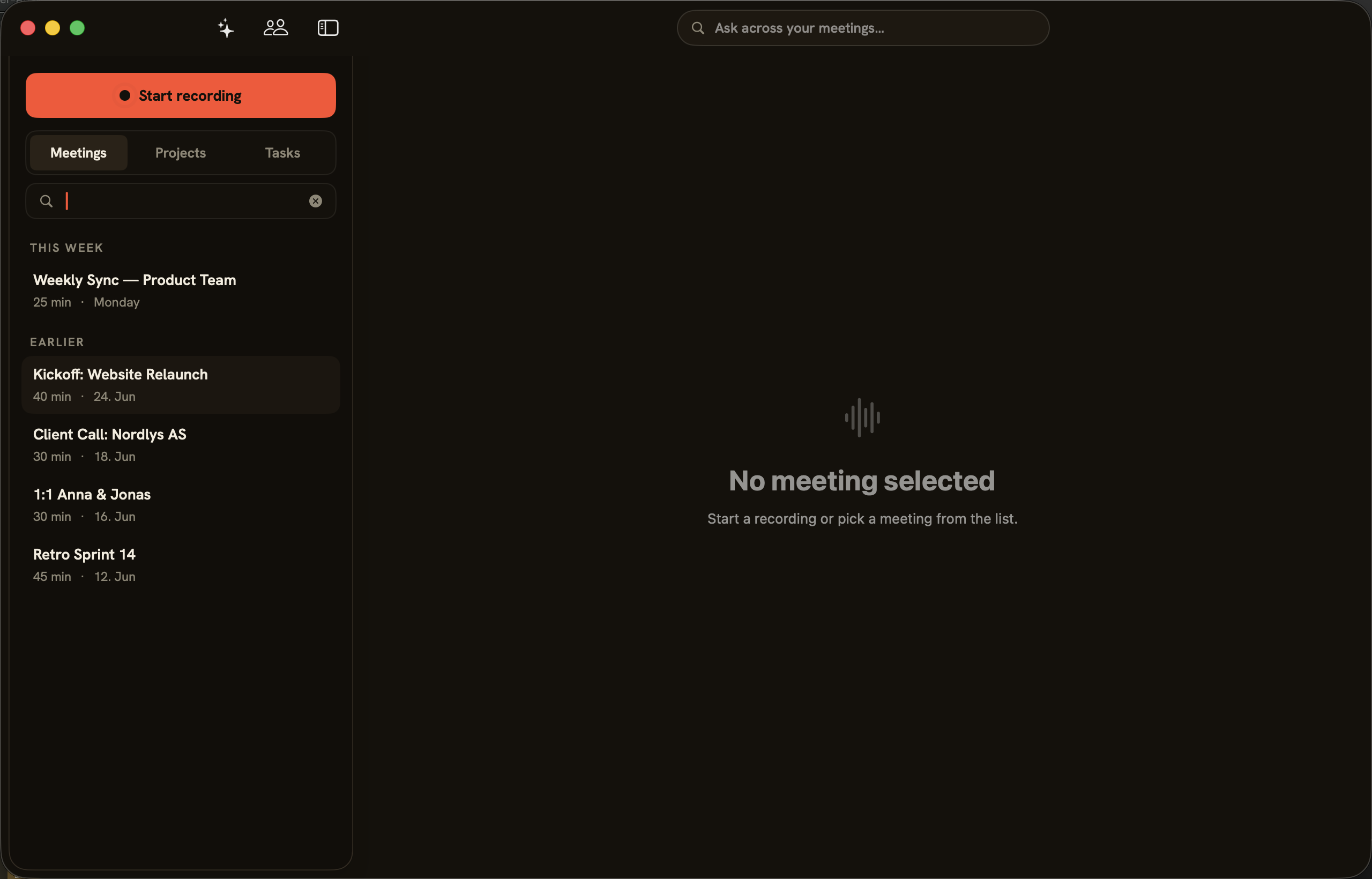
In the “Meetings” view your recordings sit chronologically, grouped into “This week” and “Earlier”. Each entry shows title, duration and date. The search field filters the list by title.
Bundling meetings into projects
“Projects” groups related meetings together. You assign a meeting to an existing project with “Assign to project”, or to a fresh one with “New project”; conversations not yet assigned collect under “No project”. This builds context beyond individual sessions.
Deleting a meeting
Permanent: Deleting a meeting removes its transcript, its summary and the audio for good. This cannot be undone.